
Turn employee work preferences into useful scheduling input.
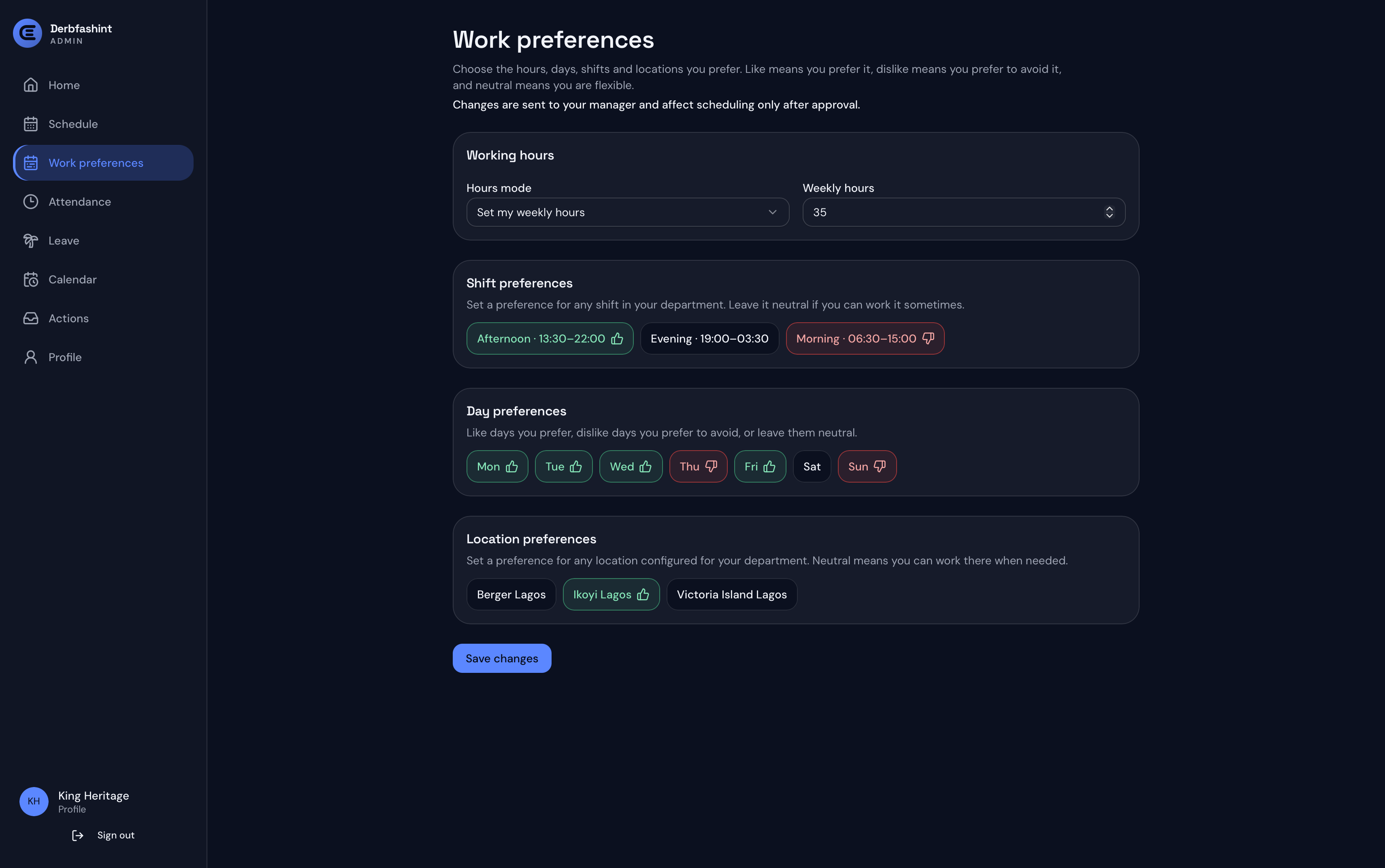
Employees can manage weekly hours plus shift, day, and location preferences in Employee Hub, with changes routed through the manager approval workflow before they affect scheduling.
Employee Hub connects published shifts with work preferences, attendance, leave, calendar updates, requests, swaps, timesheets, and profile in a secure employee scheduling workspace for desktop and mobile.
Employees can manage weekly hours plus shift, day, and location preferences in Employee Hub, with changes routed through the manager approval workflow before they affect scheduling.
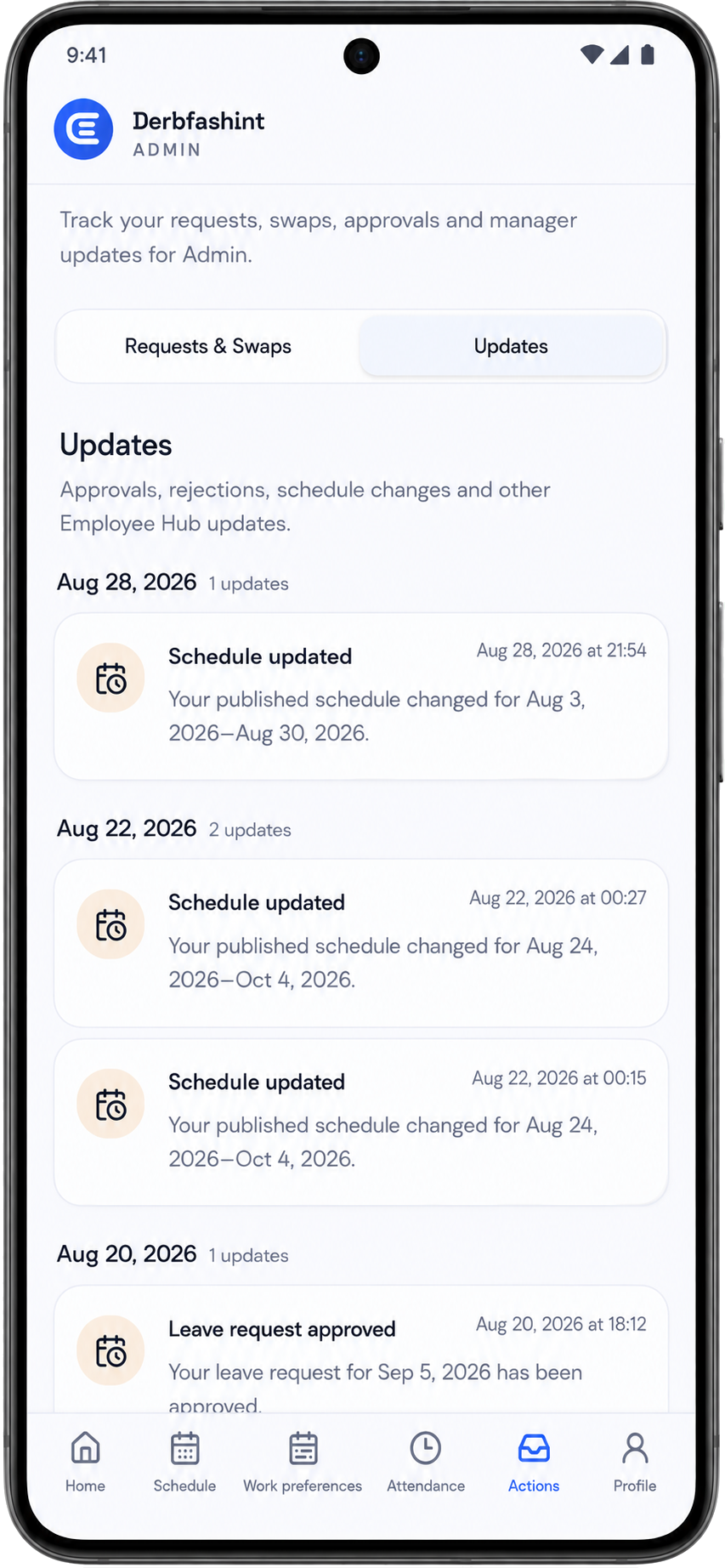
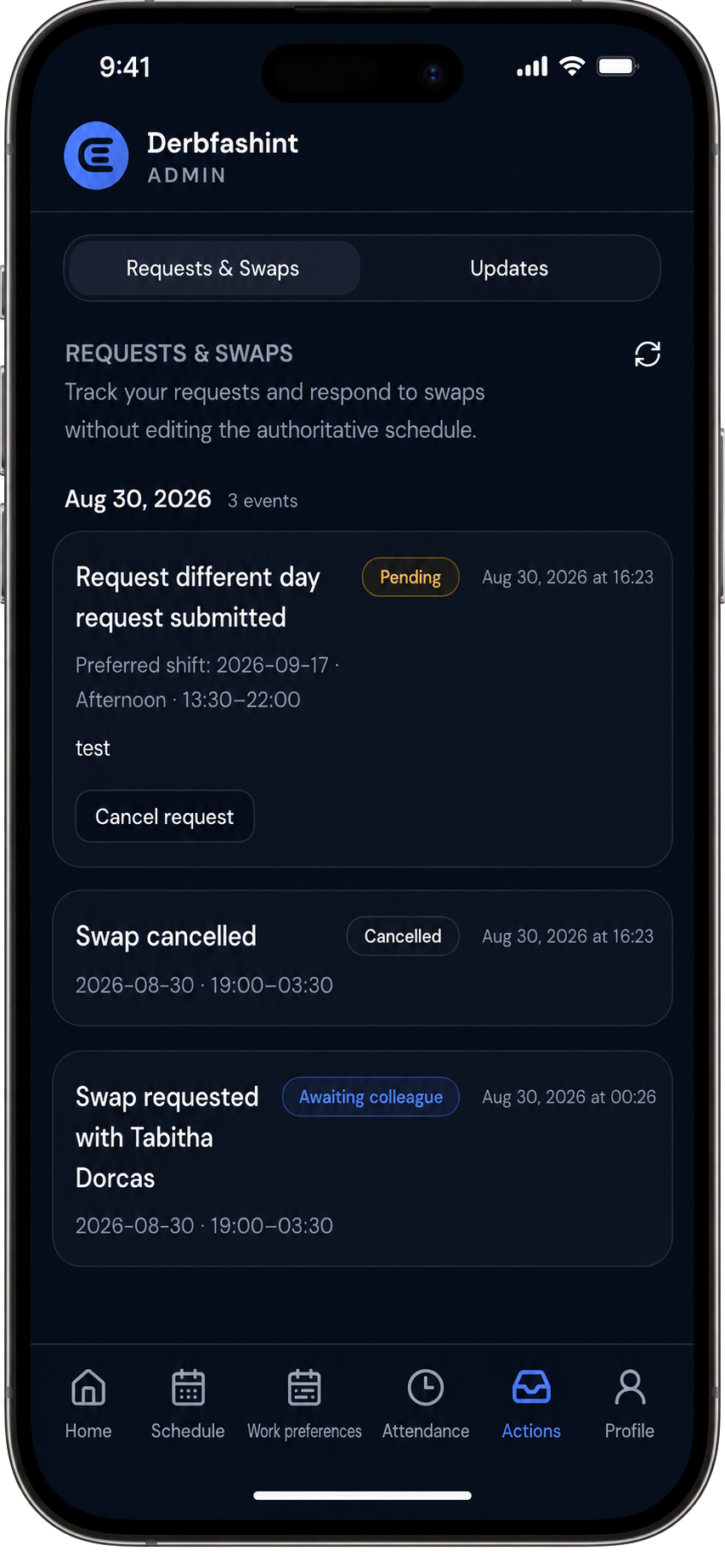
Employees can review requests and swaps, see statuses, cancel eligible requests, and move between Schedule, Work preferences, Attendance, Actions, and Profile without working inside the manager console.


Employee Hub is more than a schedule viewer. It gives employees supported self-service tools while keeping the manager schedule authoritative.
Employees can request direct swaps with eligible colleagues, respond to swap requests, submit supported shift-change requests, cancel eligible pending requests, and track status. Manager decisions remain part of the workflow before the authoritative schedule changes.
Employees can clock in and clock out in the Attendance area, record break minutes, review worked duration and attendance history, and keep recorded time connected with schedule and timesheet context.
Employee requests operate on published schedule snapshots. Employees do not directly rewrite the manager's authoritative schedule; approved changes are handled through the manager scheduling workflow and republished.
Managers build and publish the schedule in ElShift while Employee Hub gives employees the schedule, work preferences, requests, attendance, leave, timesheets, and day-to-day actions they need.